
hippo: hard-edge 3D sketching.
A small, fast sketch modeller for figuring out how your details resolve in the real world. A little gift from your friends at Sonra.
macOS: Apple silicon (arm64). Linux: x86-64 (amd64).
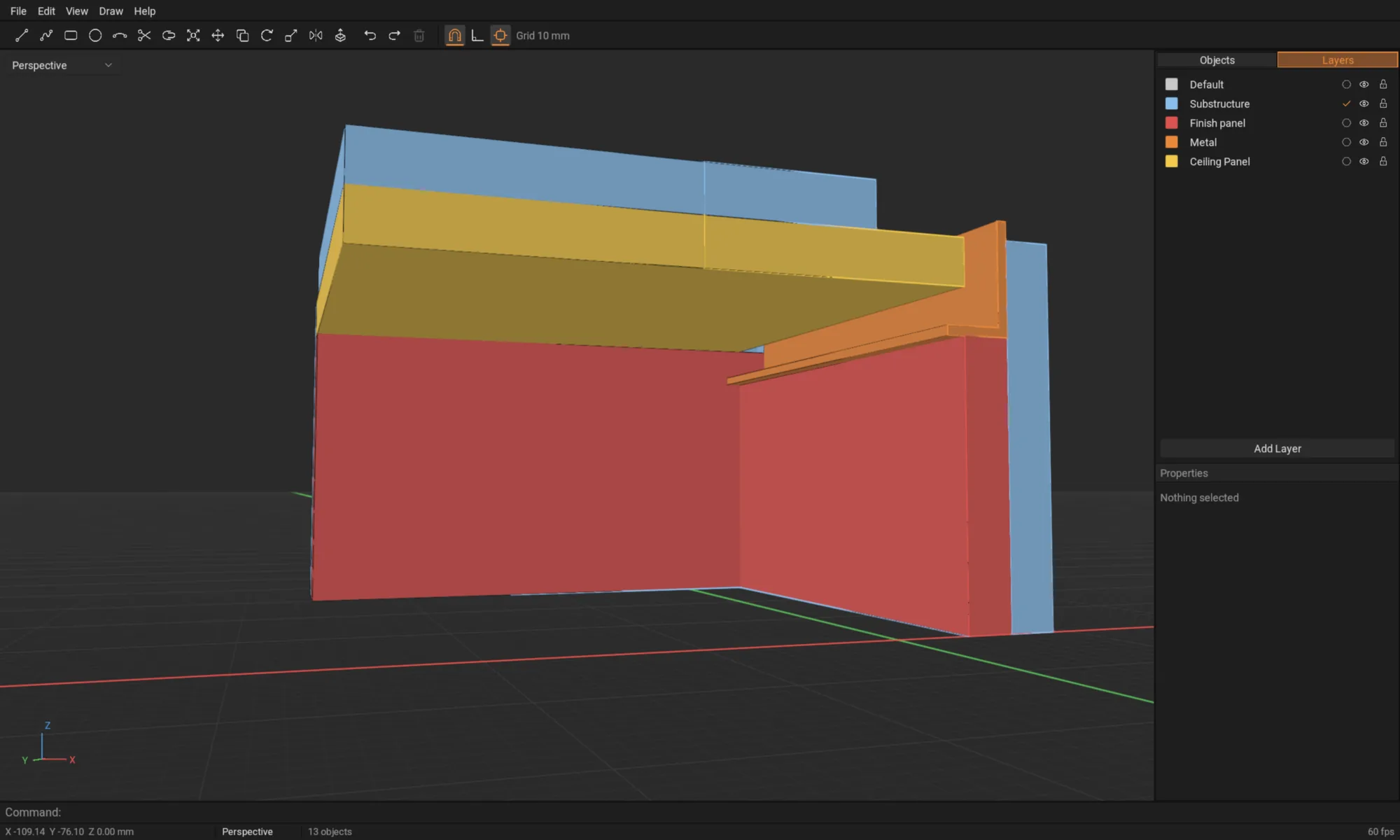
What it does
- Draw lines, polylines, rectangles and circles on a construction plane, with grid snap, object snaps and typed coordinates.
- Trim, join, copy, move, rotate, scale and mirror.
- Extrude closed curves into solids, with support for extrusion along curves.
- The command line palette we all know and love from the big dogs of the drafting and modelling worlds, and work in top, front, right and perspective views.
- Save
.hippofiles and export STL.
Installing
macOS: open the .dmg and drag hippo into Applications.
Linux: extract the archive and run ./install.sh. Run it with sudo to install for everyone (to /opt/hippo, with hippo in /usr/local/bin), or without it to install just for you (to ~/.local/opt/hippo, with hippo in ~/.local/bin). Either way hippo is added to your applications menu, and you can delete the extracted folder afterwards. To remove it, run the command with --uninstall. You can also skip installing and run ./hippo from the folder. You need a GPU driver with Vulkan support.
                        mkdir hippo && tar -xzf hippo-0.1.0-linux-amd64.tar.gz -C hippo
                        cd hippo && sudo ./install.sh
Feedback and bugs: hi@sonrahq.com.